


Meet Simhadri Bogula, who turned curiosity about decentralized messaging into a production-ready app with Signal-level security that doesn't require phone numbers.
The Challenge
When Sim discovered XMTP, a decentralized, end-to-end encrypted, quantum-resistant messaging protocol, he immediately saw its potential. Here was everything he'd been looking for: A secure messaging protocol that lets a builder or developer build Signal-level secure messaging apps without permission or risk of being censored or cut off.
But there was a problem… Sim had never built anything in React Native before.
Moreover, anyone who’s built messaging apps knows it is more difficult than it looks. There’s so many nuances to think about to make it great. What looks so simple as a user is a lot more complex than it seems.
Even in this ai world, could we really build high quality messaging apps using just AI?
Sim proved to all of us that not only is it possible, but it actually can be great. And fast. The world has definitely changed and this moment changed how we think about the future an an explosion of secure messaging and communication apps.
The question became: Could he really build a production-ready messaging app from scratch in a framework he'd never used? Not just a simple prototype, but something real users could actually depend on for something as critical as messaging?
One builder. One weekend. One production app.
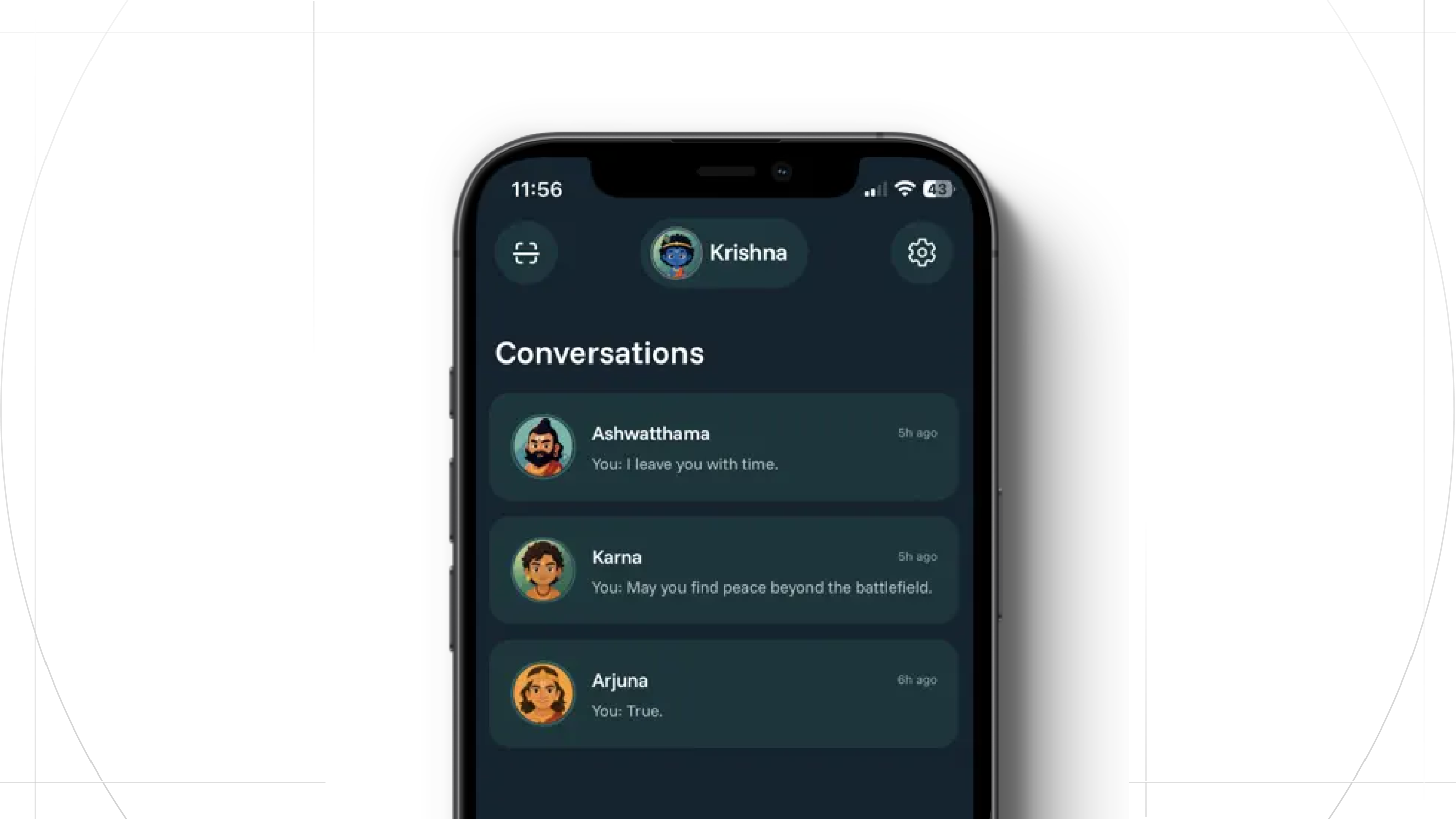
After a weekend of building with Claude Code, and the XMTP docs llms.txt file, Sim shipped a production-ready messaging app called Wave.
- Quantum-resistant encryption: XMTP's MLS implementation provides post-compromise security (recovery from key compromise), perfect forward secrecy (past messages stay secure), and metadata protection (who you message and when stays private).
- Decentralized architecture: No centralized servers storing user data
- No personal identifiers: No phone number required. Users can just scan a QR code to connect
- Complete feature set: Messages, read receipts, link previews, GIFs, stickers, and push notifications
- Production-ready: Deployed to real users on the App Store.
And he built it all in React Native, a framework he'd never used before the weekend started.
How Wave Was Built
Sim took a methodical approach, breaking the build into incremental steps:
Step 1: Create an empty React Native app
Starting with just the skeleton let Claude focus on getting the project structure, dependencies, and configuration right before adding any complexity. Five minutes later: a working foundation ready for features.
Step 2: Build the chat interface
Using the XMTP SDK, Claude built out the messaging UI - text input, message bubbles, real-time message synchronization. Thanks to MLS (Messaging Layer Security), encryption happens automatically. Messages flowing between users with quantum-resistant, end-to-end encryption built in.
Step 3: Add conversation list
Claude created the conversation list with all the expected features - active chats, unread indicators, message previews, timestamps. Users could now navigate between conversations seamlessly. Done. They had a working messaging app with the core experience users expect.
Breaking complexity into manageable pieces turned building a fully functional messaging app into a series of achievable steps. In less than a day, Sim had a working prototype.
Making Wave User-Friendly
The app worked, but connecting with someone new was clunky. Users had to exchange long technical identifiers just to start chatting. Sim needed something simpler, but without storing user data on a central server.
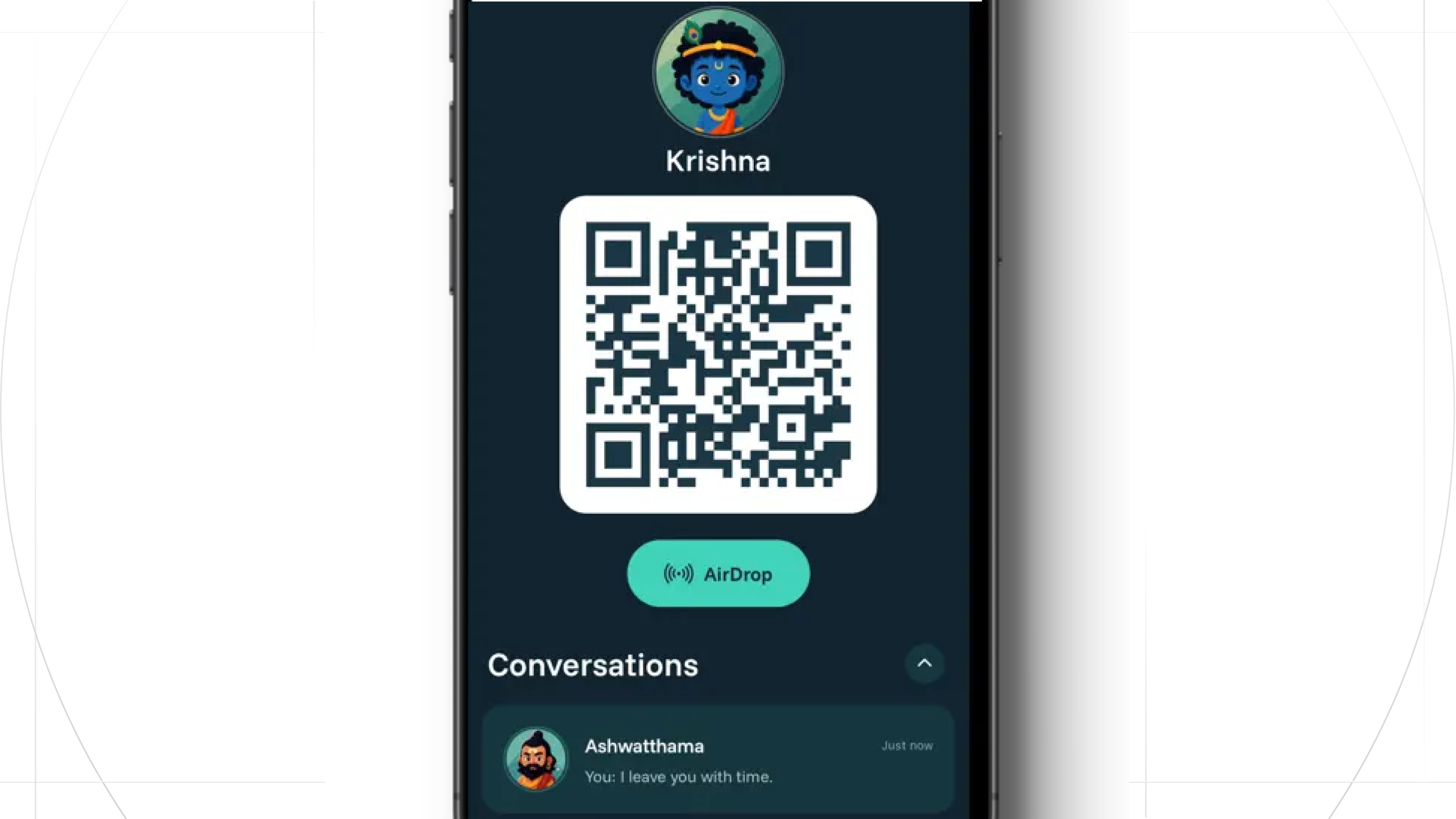
The solution: QR codes. Each user gets a QR code with a nickname and avatar. Scan to connect and message instantly. This meant much less friction for onboarding users.
Creating a simple, responsive UI
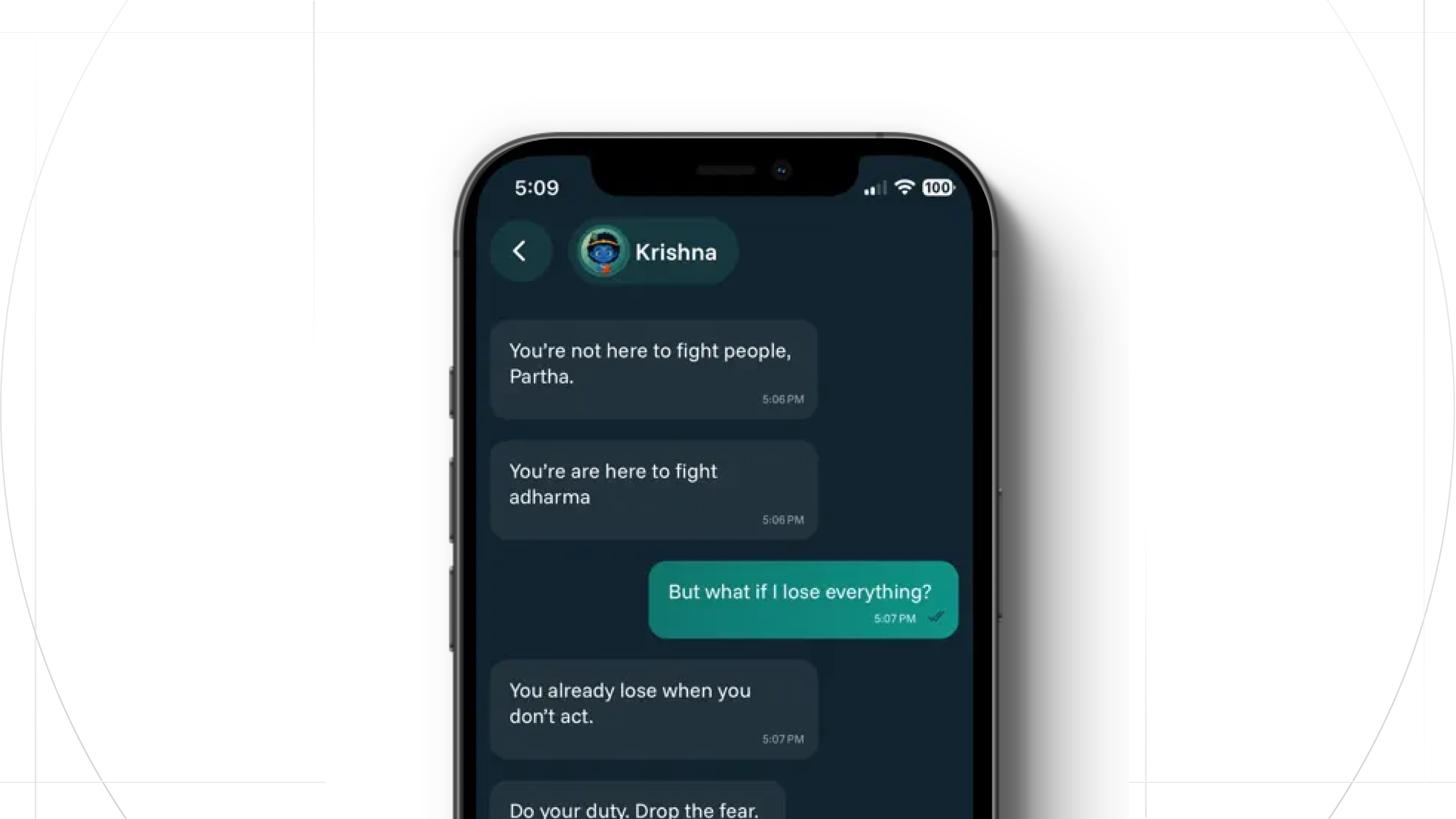
Users expect messaging to be intuitive and very fast.
Sim worked with Claude to design the interface, going through two complete redesigns. The first attempt tried to be unique but ended up looking weird. You can see an example in the screenshot above. He scrapped it entirely and started over, this time focusing on simplicity with detailed specifications for every element, font, color, and style.
The chat interface required the most refinement. While XMTP streamed messages instantly, the UI had to quickly decrypt them, accurately sort threads, and deliver an elegant, responsive experience.
Phase Two: Real Users, Real Insights
Sim shipped the app to friends via TestFlight. Their feedback revealed critical gaps:
Initial onboarding was too complex. The first version required users to install a separate app (MetaMask Wallet) just to get started. That was a dealbreaker for normal users. They don't want to install one app just to use another app.
Sim re-envisioned the onboarding flow, and made it so that Wave could automatically generate a wallet on the user’s behalf. This removed all of the friction, while still ensuring the app could provide cryptographic, quantum-secure messaging security.
Then friends and family Missing Features: The app needed:
- read receipts,
- link previews,
- GIFs,
- and stickers.
Sim worked through each feature one by one with Claude, building a genuinely usable experience.
In the end, Sim was able to ship a fully functional, quantum-resistant messaging app to the iOS App Store. Wave was approved by Apple, and is live.
The Bigger Picture
What This Means & Why XMTP Matters
XMTP represents a fundamental shift in how we think about messaging. Unlike other leading messaging apps, which require a phone number tied to telecom infrastructure, or traditional apps controlled by single companies, XMTP is:
- Decentralized: No single point of control or failure
- Quantum-resistant: Built to withstand future cryptographic threats
- Privacy-preserving: Stores nothing about users.
- Permissionless: Anyone can build on it without asking for permission
This isn't just about building another messaging app. It's about proving that privacy-first, decentralized infrastructure can deliver the same user experience as centralized alternatives, all without the surveillance, data collection, or corporate gatekeeping.
In the end, Sim can deliver users:
- Quantum-resistant security.
- No phone number required.
- Without a company or server in between.
This is what the future of private communication looks like.
Permissionless Innovation
Sim's story demonstrates what becomes possible when powerful tools are accessible to individual developers.
He didn't need:
- Permission from a company
- A team
- Prior experience with React Native
- Deep cryptography expertise
He just needed a problem worth solving and the determination to solve it.
The result is a privacy-first messaging app that anyone in the world can use, with a guarantee that their messages are secure. It's what permissionless innovation looks like in practice. One person with an idea, working over a weekend, shipping something that challenges how we think about privacy and communication.
This is the promise of open protocols like XMTP combined with AI tools like Claude: the barriers to building sophisticated, secure applications are disappearing. You don't need to be at a big tech company. You don't need a cryptography PhD. You just need to start building.
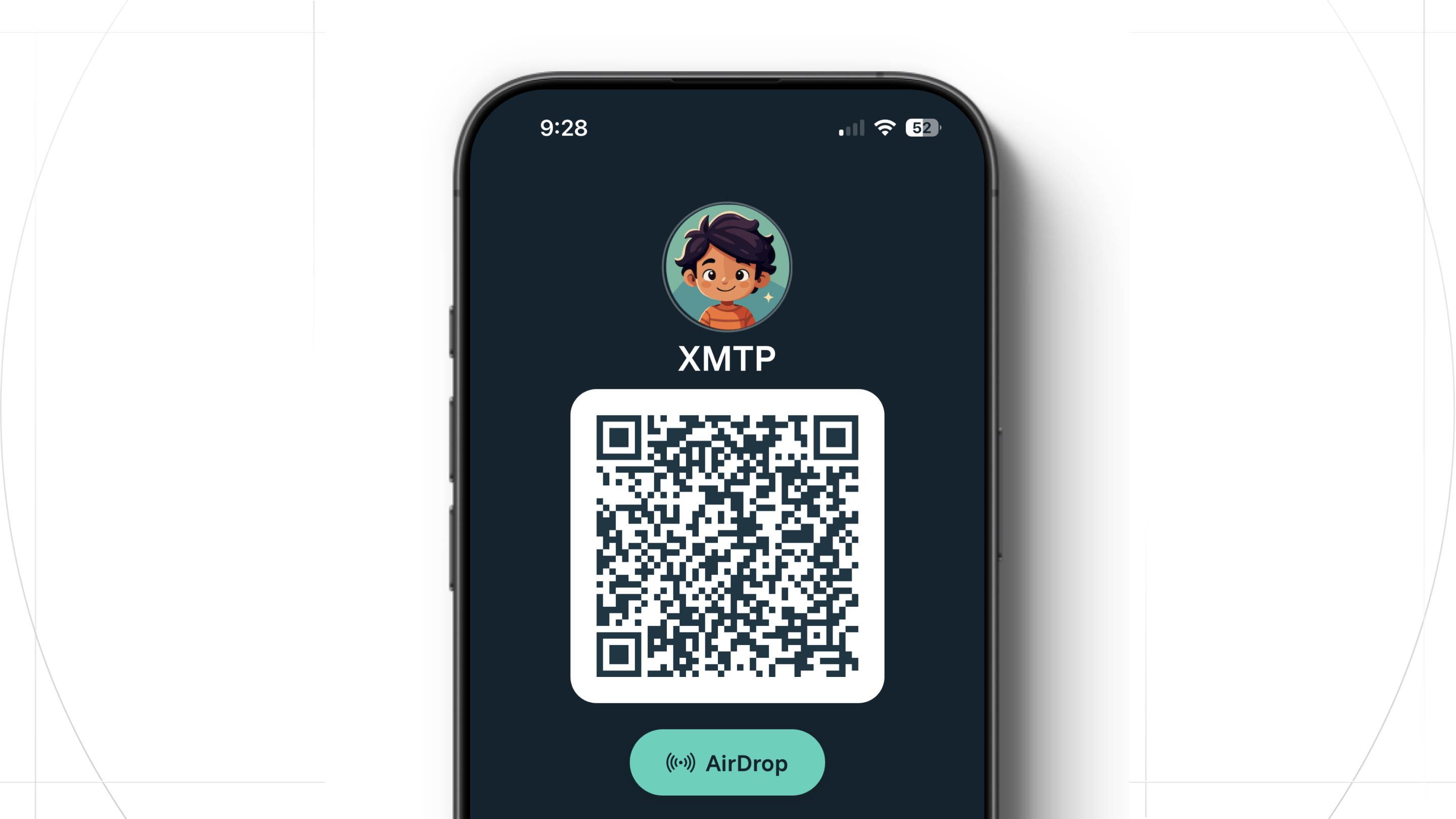
Want to try it out? Message XMTP on Wave
You can download Wave from the App Store below:
Wave: Secure Messaging App - App Store
You can then scan the QR code and send a message to the XMTP team on Wave.
Want to build your own app?
Resources to Get Started
- XMTP Documentation: https://docs.xmtp.org/
- XMTP GitHub: Example apps and SDK code
- Docs MCP server and llms.txt files
- Claude Opus 4.5: Use via VS Code Copilot or Claude.ai for best results.